Paper Balance
Landing Page
Free landing page prompts
Start your next website with a working design. Explore complete pages, animated heroes, and UI sections.
See the page in action.
Get the full design brief.
Paste into your AI coding tool, such as Codex or Cursor.
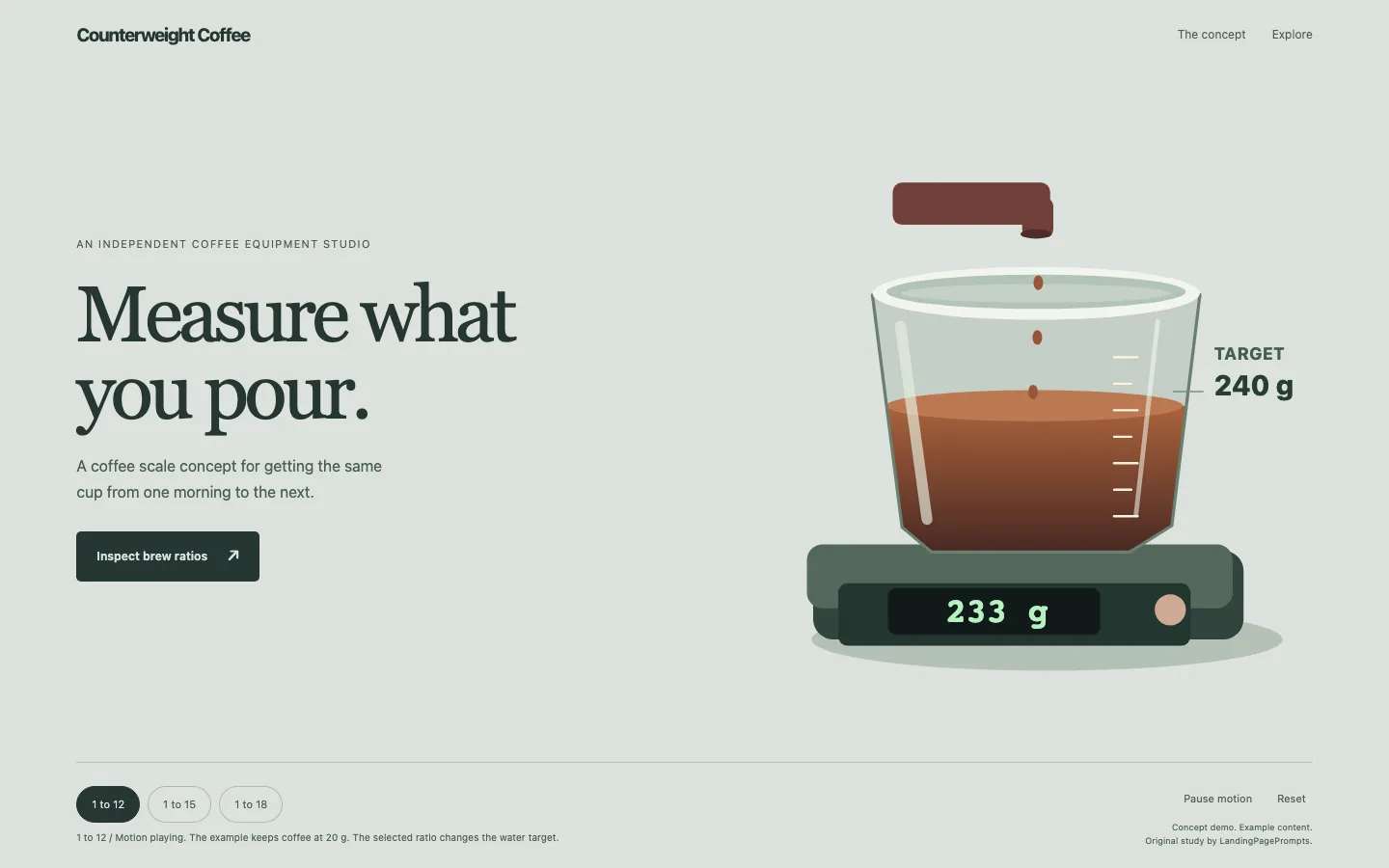
Example design
Counterweight Coffee
640 free prompts
Landing Page
Landing Page
Hero Section
Landing Page
Portfolio
Hero Section
Landing Page
Landing Page
Portfolio
Interactive
Landing Page
Landing Page
Hero Section
Portfolio
Hero Section
Landing Page
Portfolio
Landing Page
Hero Section
Interactive
Interactive
Landing Page
Landing Page
Landing Page
Open a design to explore its live preview, then choose Copy prompt. Paste the brief into your coding agent and describe your business, content and existing project. Review the generated page on mobile and desktop before publishing.
You can paste a brief into tools such as Cursor, Claude Code, Codex, Lovable, Bolt or v0. Many example prompts specify standalone HTML. If your project uses React or another framework, ask your agent to adapt the implementation. Results vary by tool and project. The agent guide can help you get started.
The preview is a working example of the design. A new generation can differ, especially when you change the content or framework. Use it as a reference and ask your agent to refine the layout, typography and interactions.
The library is free to browse and copy. Original prompts use MIT; community prompts use CC BY 4.0 with creator attribution. Both allow commercial use under their terms. Check the terms and source details, keep the required notices, and replace example content and assets before using a design in client work.