 Play live demo ↗
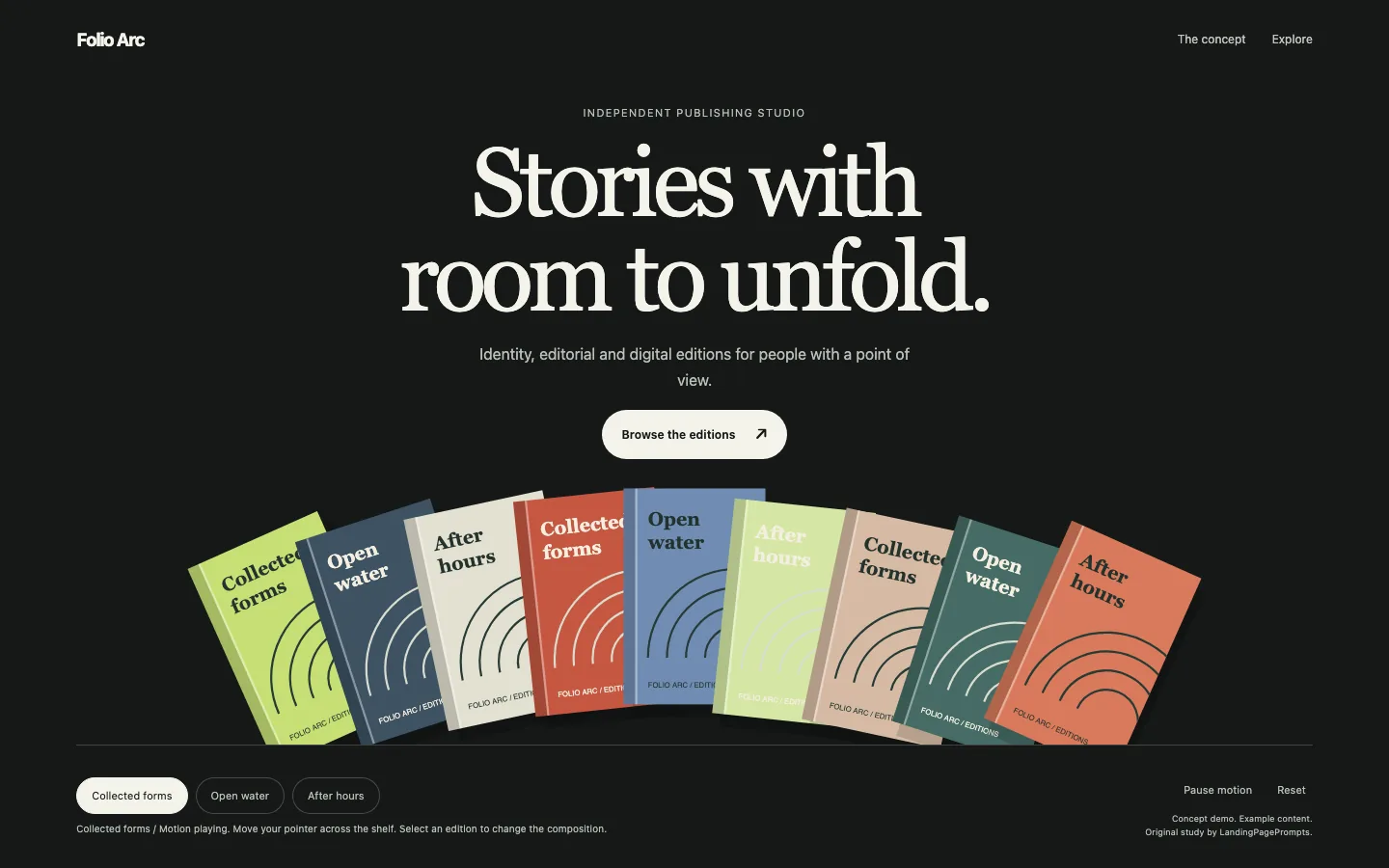
Folio Arc
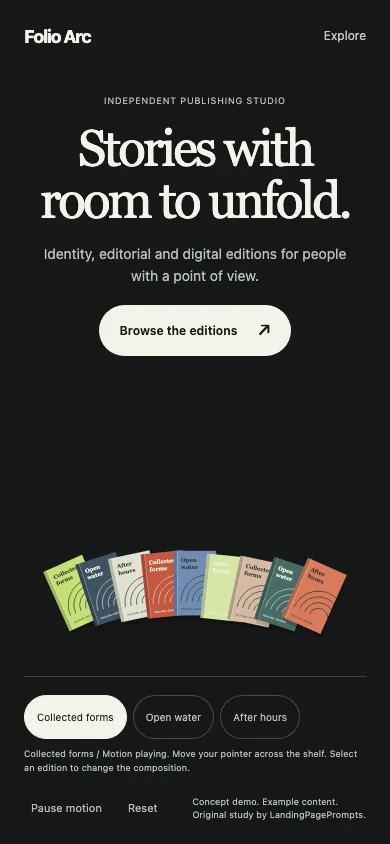
Animated editorial portfolio with a cover carousel
For book design, publishing and editorial work. A fan of covers changes with the selected edition. Use your own cover art and link each edition to its case study.
Four free portfolio website prompts with live previews for editorial designers, branding studios, visual artists and motion designers.
Play live demo ↗Folio Arc
For book design, publishing and editorial work. A fan of covers changes with the selected edition. Use your own cover art and link each edition to its case study.
 Play live demo ↗
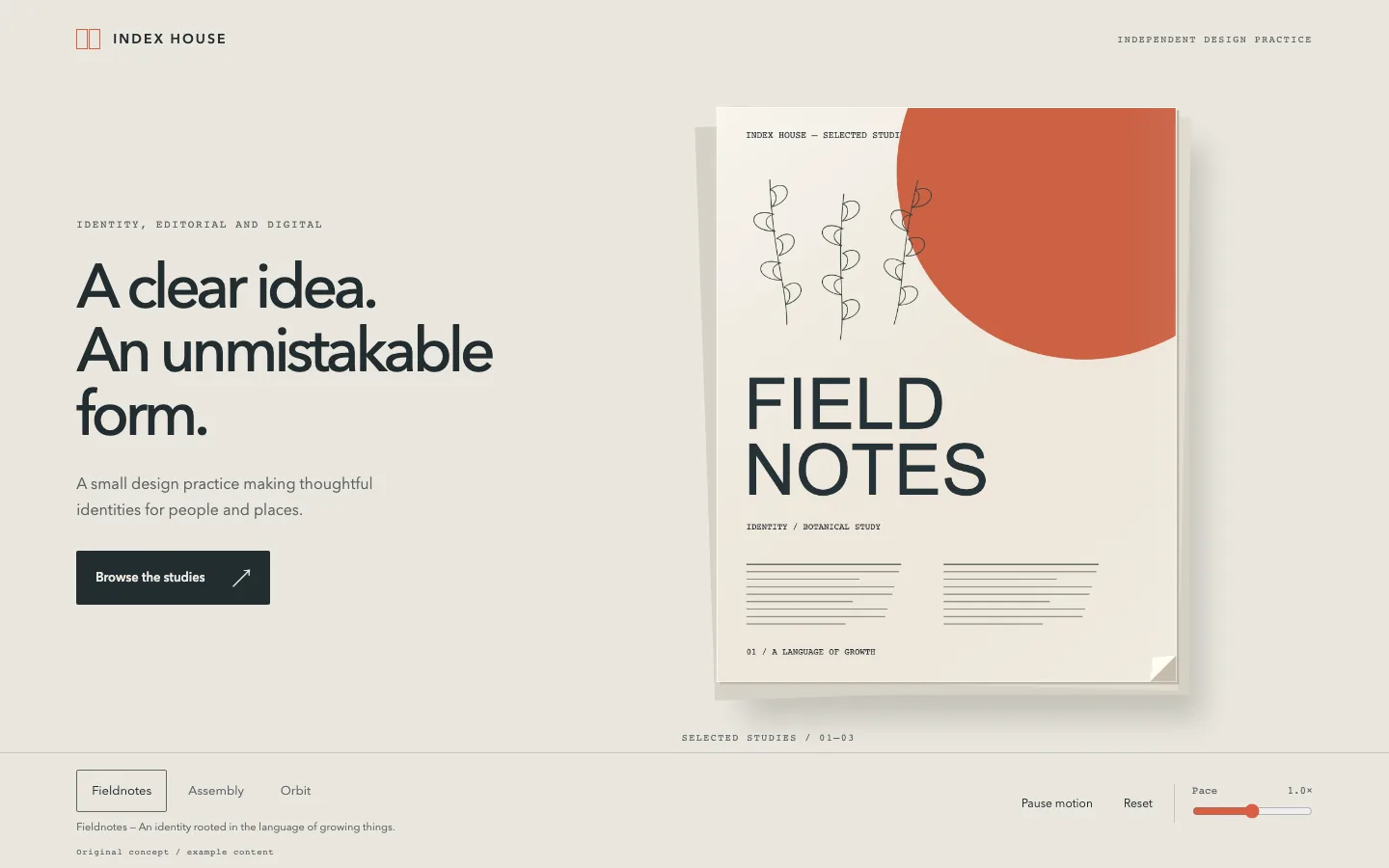
Index House
For a brand or graphic design studio. Each selection brings forward a different poster composition. Use it to show how the same studio works across distinct briefs.
 Play live demo ↗
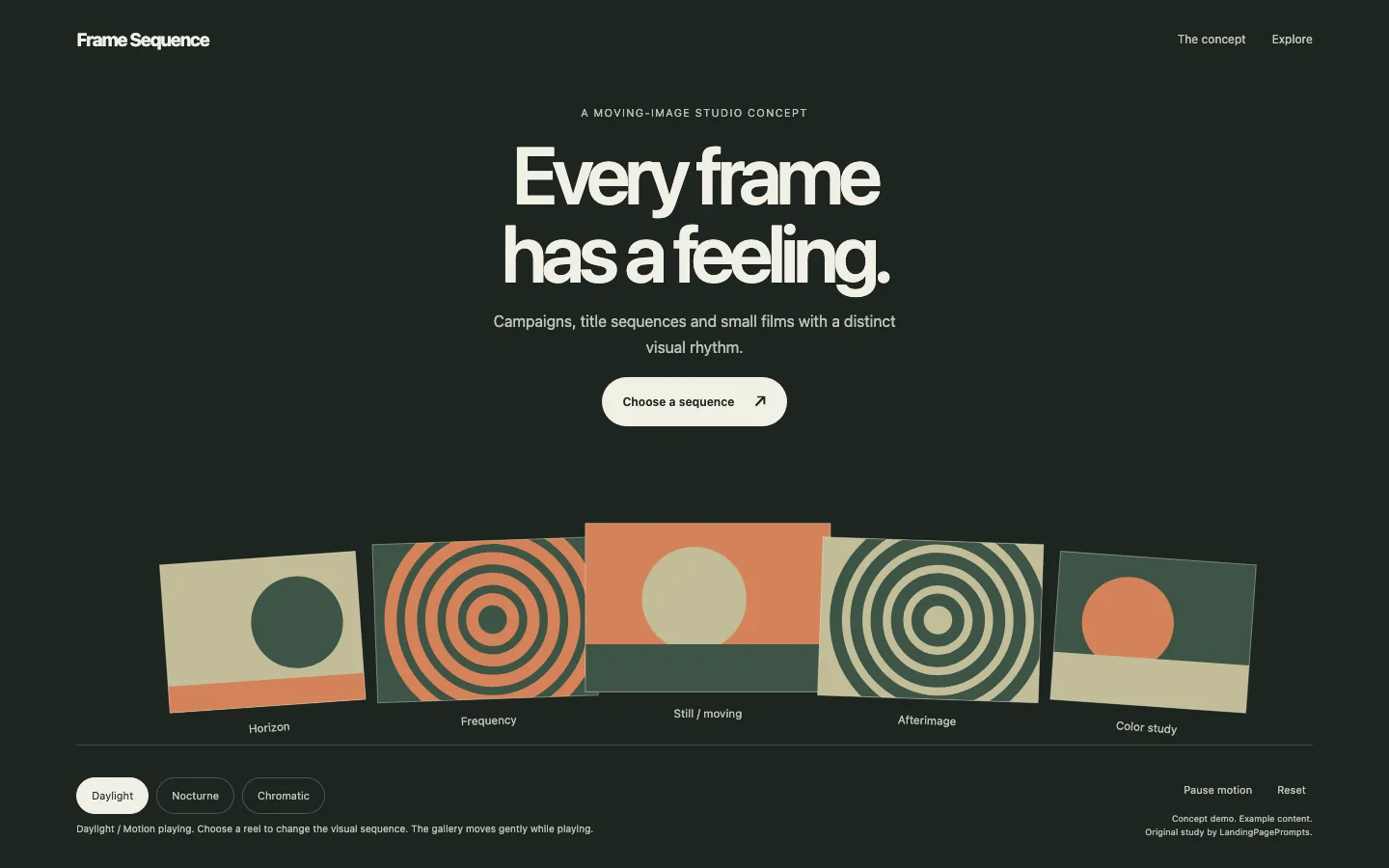
Frame Sequence
For title designers, filmmakers and motion studios. The coverflow swaps between three reels. Replace the procedural frames with approved project stills and link to the full films.
 Play live demo ↗
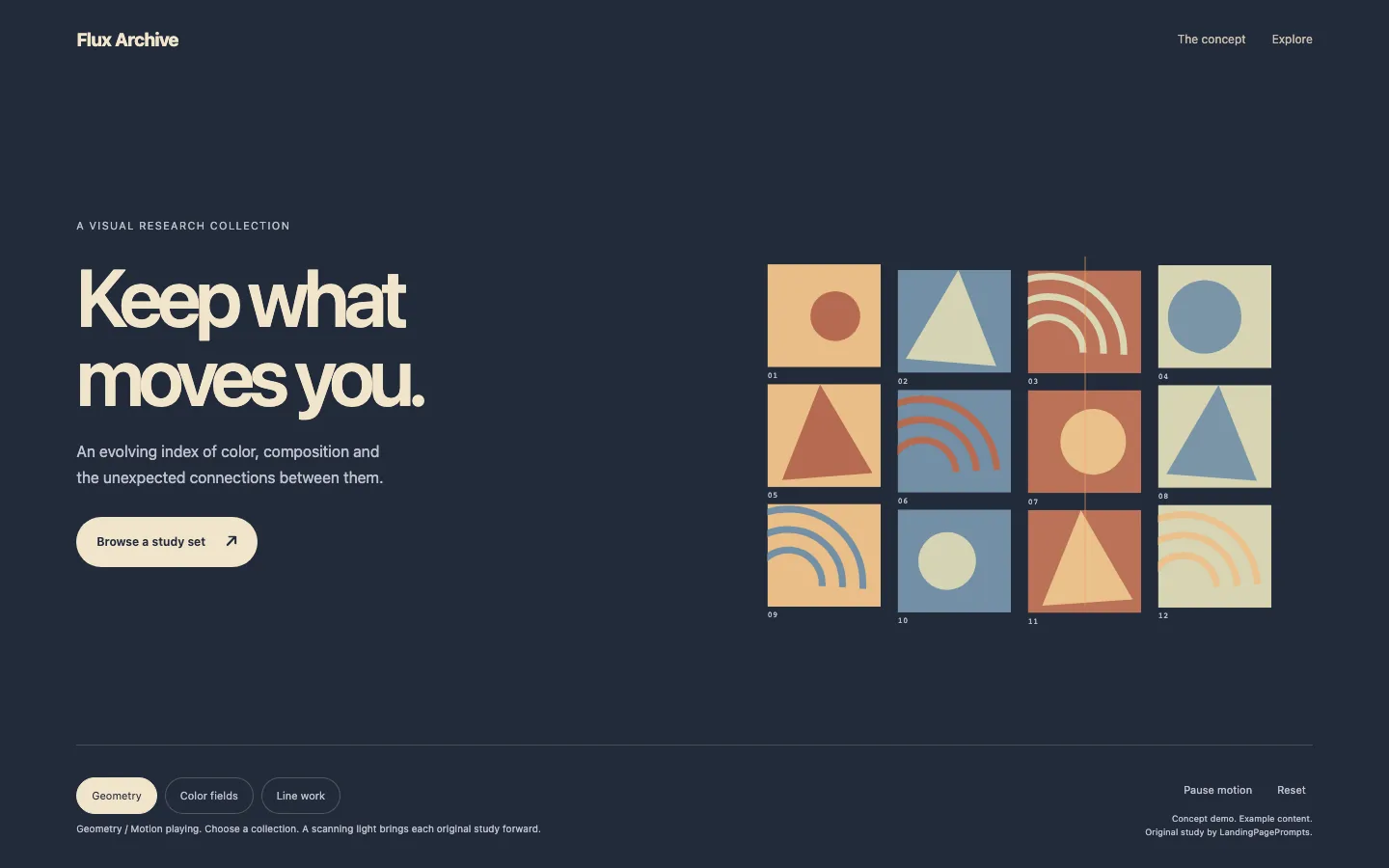
Flux Archive
For visual research, illustration or photography organized into series. A traveling scan reveals each set. Keep visible project labels so the work stays easy to browse.
Choose a layout that fits the work you can show. Replace the sample projects with three strong pieces, and include the brief, your role and the result for each. Give each project a direct link so it can be viewed without using the animation.
Paste the prompt into your coding agent and give it your content, framework and brand details. Read the agent guide →
A worked customization brief
Keep the editorial character, then make the work easy to find. This example adapts the cover fan for a fictional independent designer, Mara Chen, using three clearly labeled concept projects.
The original demo passed its recorded checks on 1 Nov 2026. These checks describe the supplied example. A new generation can differ by model, framework and content. See the recorded checks.
The portfolio should introduce one designer, present three editorial projects and link each cover to a readable case study. The animation is a way to browse the work; it should never be the only way to reach it.
Copy Folio Arc and let your agent build the starting page. Compare it with the live demo, especially the cover layout on mobile and the three edition selections.
Paste the follow-up brief into the same project. It provides three fictional projects and directs the agent to make a normal case-study link for each one.
Before using the page as your own portfolio, replace the concept covers and descriptions with work you are entitled to publish. Keep the text links so every case study is reachable without using the animation.
Build the starting prompt first, then paste this follow-up into the same project. It contains the complete fictional example, content changes and review instructions.
Adapt the Folio Arc page already in this project into a portfolio for Mara Chen, a fictional independent editorial designer. Preserve its cover fan, calm depth movement, edition selection, pause/reset controls and responsive composition. Keep the current project structure rather than introducing a new framework.

Use this exact example copy:
- Brand: Mara Chen
- Eyebrow: Independent editorial designer
- Headline: Stories made to be held.
- Introduction: Identity, books and digital editions for thoughtful publishing projects.
- Primary action: Explore selected work

Present three clearly labeled fictional concept projects: Field Notes, Tide Almanac and Afterlight. Rename the three selection controls to those titles. Selecting a project must highlight the corresponding cover composition and update a visible project title and short description. Show “Concept project” beside each title; do not imply a real client relationship or invent awards, results or testimonials.

Add a section with id="selected-work" and three case studies with ids field-notes, tide-almanac and afterlight. Each needs a real heading and a short Brief, Role and Approach paragraph. Use these briefs: Field Notes is a pocket journal about urban observation; Tide Almanac is a seasonal coastal field guide; Afterlight is a collection of short essays about cities at night. Mara's sample role is editorial design and art direction. Describe a fitting typographic and layout approach without inventing measured outcomes. Keep any generated cover art abstract and original, with no external images or paid fonts.

Point the primary action to #selected-work. Add an always-visible “Read case study” link for the selected project, and include a normal text link to every case study outside the animated canvas. Update document height and canvas positioning so the hero and the new sections scroll without overlap. No cover, canvas or sticky layer may intercept clicks intended for a text link.

Maintain a dark charcoal background, warm paper text and one citron accent. Use readable project titles, visible focus, comfortable touch targets and no horizontal overflow at 390px, 768px or 1440px. With reduced motion enabled, keep the cover fan static and allow project selection. Pause must freeze motion; Reset must restore the first project. Test all three selectors and all case-study links with mouse, touch and keyboard. Return the completed changes and a short record of what you actually tested.