Fulcrum Fixture
Hero Section
Hero Section
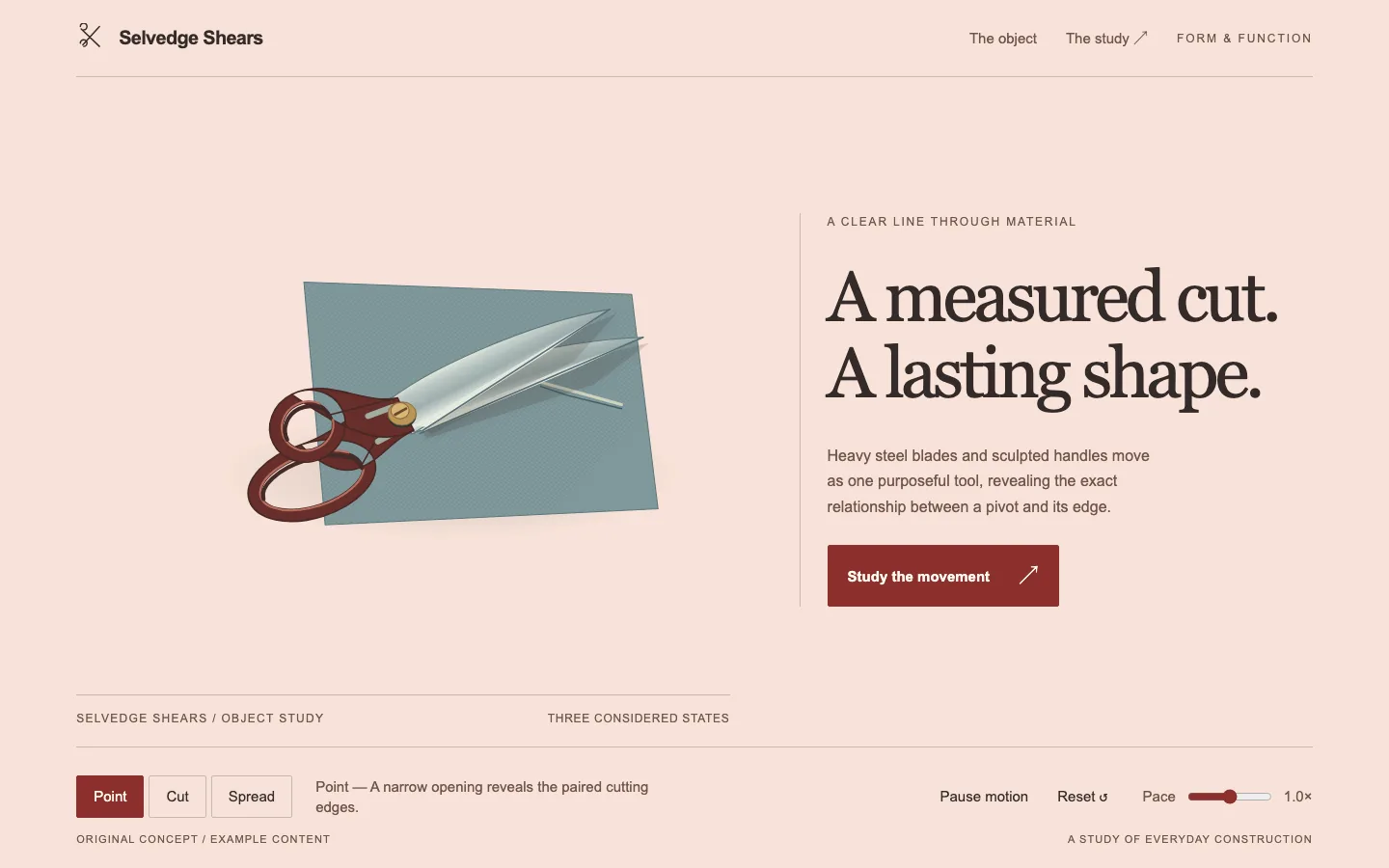
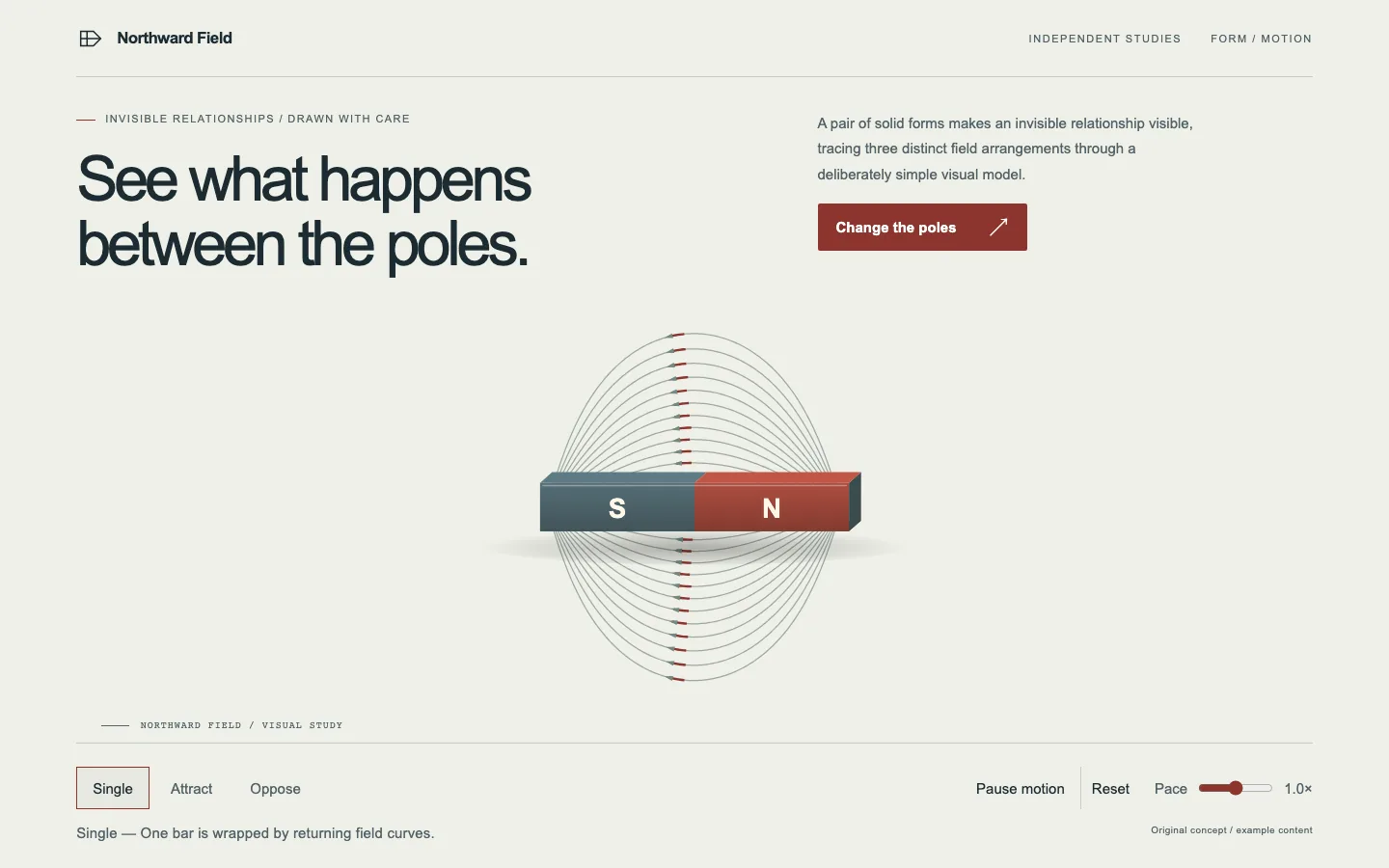
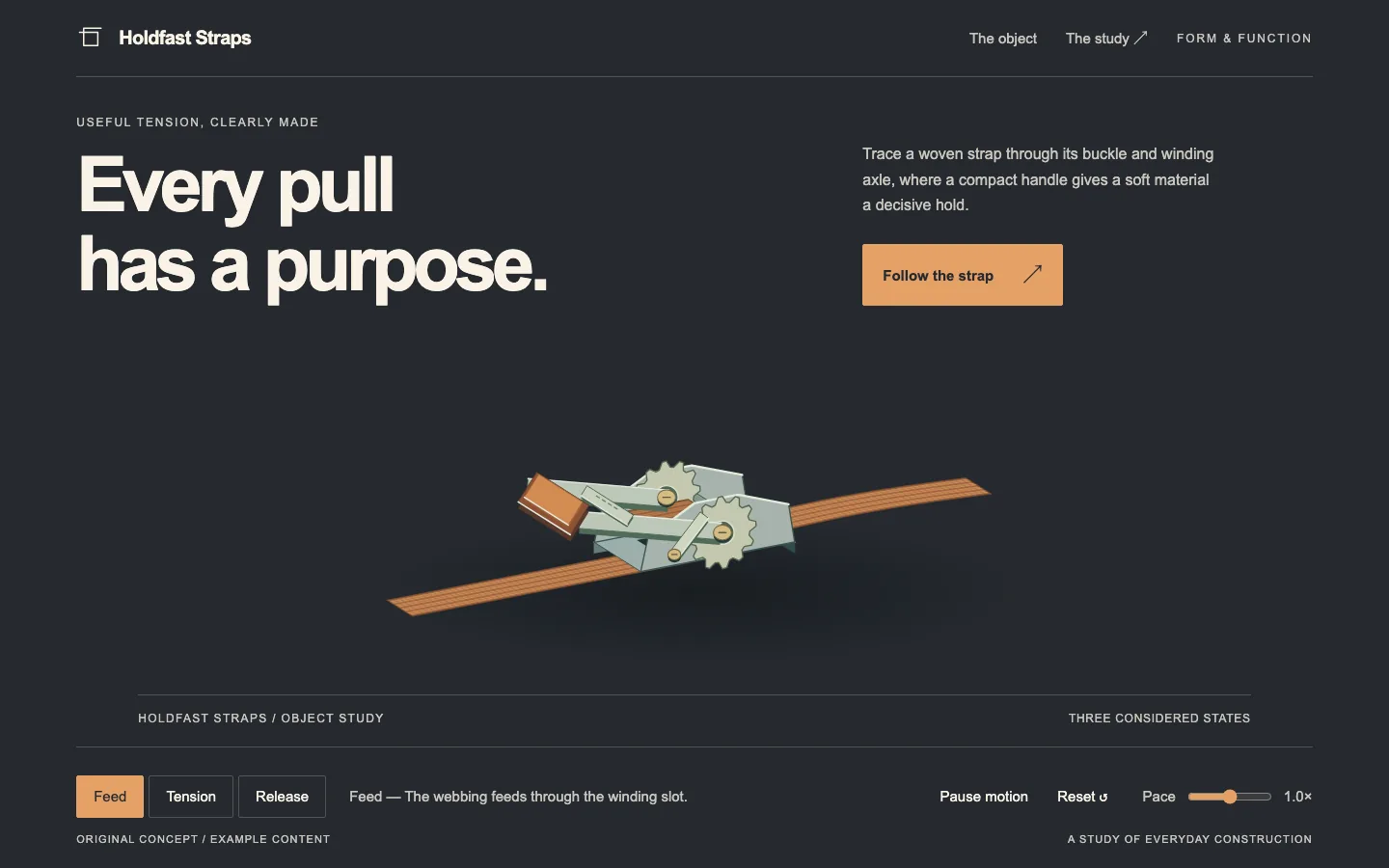
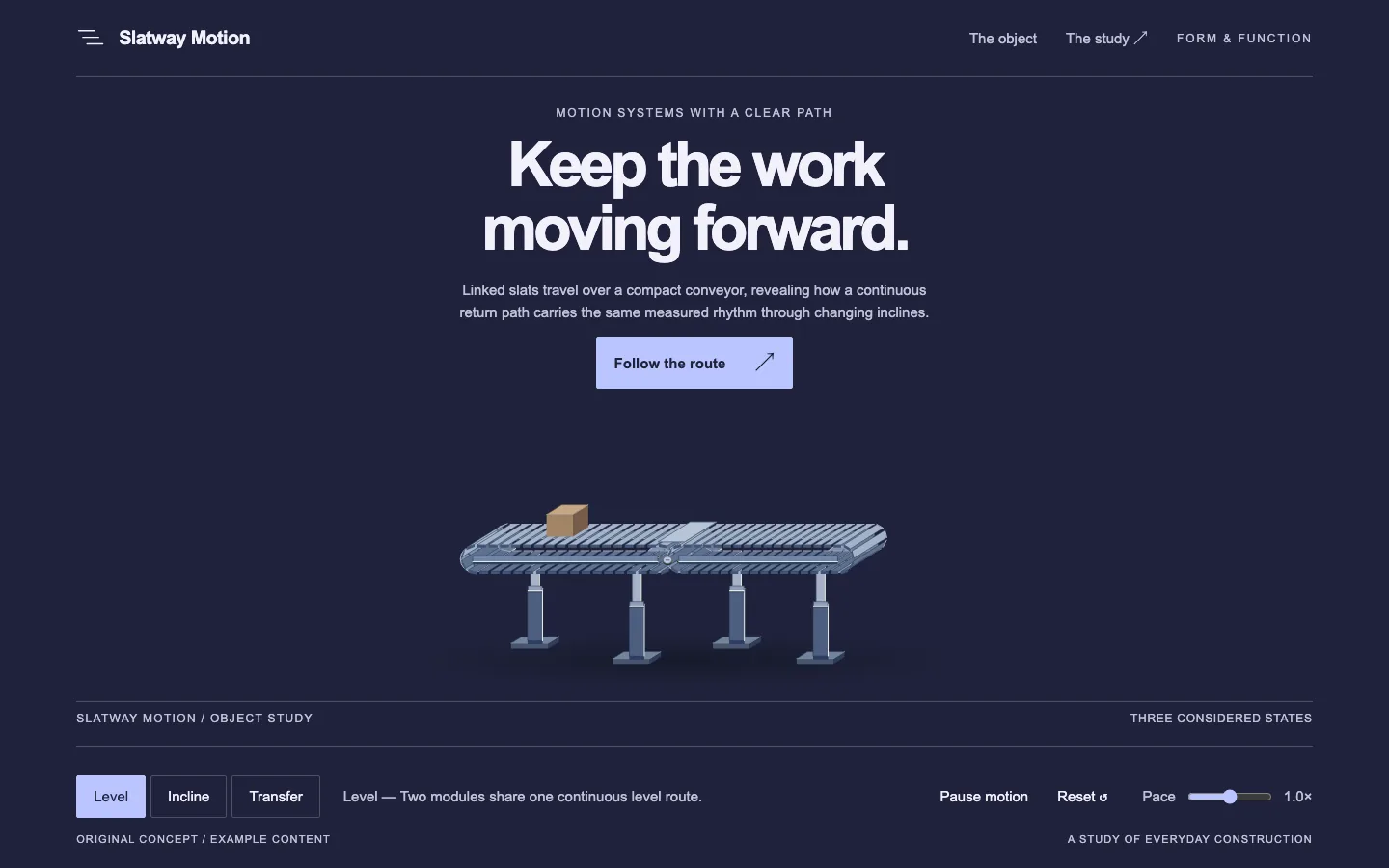
A three-legged field tripod changes height and stance with visible telescoping sections, locking collars and independently placed feet while its mounting platform stays level.
Ready to paste
Copy it as written, then change the content and brand details inside your coding agent.
ORIGINAL DESIGN BRIEF — Bracepoint Field

Create a polished animated hero section for this fictional brand.

EXACT COPY
Brand: Bracepoint Field
Eyebrow: A stable point in changing terrain
Heading with intended line break: Find your level. / Keep your footing.
Body: Three telescoping legs adapt a compact field stand to different heights and uneven ground, keeping the small mounting platform visibly level throughout.
Main action: Change the stance
Three choices: Low / Tall / Terrain
Palette: background #272433; foreground #f4f0fa; muted text #c2bdcf; accent #c4b6ed.

ART AND GEOMETRY
Build an original field tripod with a compact triangular crown, three hinged telescoping legs and a round mounting platform on a short central column. Show it in a three-quarter view so the rear leg remains distinct between the two front legs. Each leg has three nested rectangular tubes, a visible dark locking collar at each overlap and a rounded rubber foot with a small contact flattening. Use fixed outer tube lengths and parameterized inner extensions; retain enough overlap that no section appears detached. Low spreads the legs widely with minimal extension, placing the platform 180 units above the ground. Tall narrows the stance and extends all three legs to raise the platform to 330 units. Terrain keeps the platform at a medium height while the right foot rests on a low rectangular stone, the rear foot sits farther back and each leg has a different extension. Calculate every leg endpoint from its crown hinge and selected foot contact, keeping the platform horizontal. Add a short horizontal panning handle attached to the platform's rotating head and one small knurled lock knob. Use brushed silver tubes, muted violet collars and dark recessed overlaps. Ground shadows connect each foot to its actual surface; Terrain adds only its single stone, with no landscape. All leg tips and the full panning handle must stay visible.

LAYOUT AND TYPOGRAPHY
Use a violet-charcoal field-equipment hero with the tall tripod centered on the right and a left copy column aligned around its middle. Choose a medium-weight system sans headline with open spacing and calm line breaks, paired with a smaller plain sans body. The original mark is three short converging strokes with an open center. Lavender belongs to the action and selected control; keep structural metal pale and labels solid muted. Give the tripod a generous clear vertical stage and place its caption beneath the feet. On phones, stack the copy above a 420px art region, fitting the full Tall state and the wider Low footprint with the same consistent object scale.

CHOREOGRAPHY
Transition crown height, foot positions and tube extensions over 900ms, deriving each connected leg from its endpoints. The platform stays level while its small panning head turns slowly through a twenty-degree arc over sixteen seconds; the attached handle follows the same pivot. A tiny highlight travels across the knurled knob with that rotation. Do not move the feet once a state settles. Drive every transform and reflection from the shared clock. Pause settles the selected stance and freezes the head. Reset returns to Low, the initial leg overlaps and the exact starting handle angle.

DELIVERABLE AND CONTENT
Produce a complete, runnable index.html with inline CSS and JavaScript. This is an original fictional brand concept for a free design-prompt library. Use the brand and copy supplied above, not any other site's wording. Do not add testimonials, fabricated statistics, paywalls, account forms, model names or irrelevant pipeline details. The only external resource permitted is an optional Google Font; a strong system stack is preferred. Procedural live art is the deliverable, so do not substitute screenshots, images or videos for it.

LAYOUT AND TYPE
At 1440x900 the composition is a single cinematic frame with a real header, nav, main and footer. Reserve about 80px for header, 110px for controls, and the remainder for the hero and scene. Use a maximum content width of 1320px and 5.5vw outer gutters. Text is a separate semantic HTML layer above an aria-hidden full-viewport canvas. Keep body copy at least 15px, muted text contrast readable, and the main headline between 64 and 104px at desktop. At widths below 760px use 24px gutters, a 42-54px headline and a real vertical flow. Hide optional desktop navigation, not the title or primary action. Let the page scroll vertically on small screens when controls need space. Never crop a headline to satisfy the desktop composition.

WORKING INTERACTIONS
Use the primary action to focus or open the selection area, not to navigate to a fake app. Three visible choices switch the scene's meaningful state and update a live caption. Set aria-pressed on the selected choice. Include Pause motion / Resume motion and Reset buttons. Reset restores the first choice, neutral pointer and initial composition. All buttons work with keyboard. Show a clear focus ring, preserve ordinary cursor behavior and make touch targets at least 44px. Add a brief footer disclosure that this is a concept demo with example content.

MOTION AND PERFORMANCE
Use one requestAnimationFrame loop, performance.now deltas, cached dimensions, a capped devicePixelRatio of 1.5, and deterministic seeded geometry. Never read layout inside a hot drawing loop. Use a ResizeObserver or resize handler to update canvas dimensions and cached positions. Use pointermove only to update target values; ease the targets in the animation loop. Draw all visual motion in Canvas or transform/opacity, not layout properties. On document.hidden skip expensive painting; resume without a large time jump. Honor prefers-reduced-motion both at startup and when the preference changes: freeze continuous motion, remove entry translation and keep content and selectors usable. The pause control must correspond to visible motion. Maintain window.__DEMO__ readiness, frames, effects, errors and selected state so the example can be checked.

FAILURE GUARDS AND REVIEW
Initialize the canvas and draw an attractive first frame even if motion is disabled. Keep HTML text and actions visible if JavaScript fails. A scene must never be required to read the copy. Test 390x844, 768x1024, 1024x640 and 1440x900; test pointer movement, each scene option, pause, reset, keyboard focus and reduced motion. Confirm one h1, named controls, real semantic landmarks, no horizontal document overflow, no console errors and no failed resources. Keep all colors in the supplied family. Include no external image, animation, icon or UI framework dependency. Return the entire HTML file, without placeholders or omitted code.


COPY-AND-PASTE REPRODUCTION CONTRACT
The complete prompt is the only input. Do not require an attached image, prior chat,
repository, local file, API key, remote image, external script or font download.
Use only inline HTML/CSS/JS and local system fonts. All art must be your own procedural
implementation of the brief. The result must work offline from file://.

Use these exact stable hooks so the output can be independently tested:
- One aria-hidden canvas spanning the full viewport width; clip its drawing to a
  dedicated .visual art region whose bounds you cache on resize. Never overlap text.
- Exactly three real buttons with data-choice="0", "1", "2" inside #choices.
  aria-pressed reflects the selection. A visible #caption with role="status" includes
  the full selected label plus a short explanation.
- #explore is the main CTA; it focuses [data-choice="0"] and scrolls the controls into
  view. It must not open a fake app or submit information.
- #pause toggles Pause motion / Resume motion and aria-pressed. It freezes every pixel
  of all continuous effects and stops the requestAnimationFrame loop after one paint.
  Do not leave CSS, timers, eye blinks, shaders, particles or reflections running.
- #reset restores selected=0, the initial clock, neutral pointer, and pace=1, while
  preserving whether playback is paused. It renders that complete initial arrangement.
- #pace is a labeled, keyboard-accessible range input min=.5 max=1.5 step=.1 value=1,
  with visible #pace-value output. It scales the accumulated animation clock.
- window.__DEMO__ must additionally expose selected (number), paused (boolean),
  speed (number), clock (number) and transition (0..1 blend, 1 when settled).
  Keep those fields current after every action. Start ready only after actual drawing.

State timing: on a running selection, save the previous state and start a ~900ms blend;
interpolate or crossfade as the design requires, with visible intermediate frames.
While paused or reduced-motion is active, choices update the complete selected still
immediately. Pausing settles any in-progress transition, then stops all further frames.
Respect reduced motion at startup AND on media-query changes; avoid animated entrance
effects then. Selection, Reset and resize may request one frame while paused, followed
by silence. Cache resize observations so that they do not cause an endless paint loop. When sizing an absolute canvas, measure the actual content wrapper, excluding the canvas itself; stale canvas height must never keep the desktop page at its previous mobile height.
Compute dt from requestAnimationFrame timestamps and cap it at 40ms. Reset the previous
timestamp when resuming. Keep the DOM readable even if drawing fails.

Layout: desktop 1440x900 must fit in one viewport. At 768x1024 and 390x844, use real
vertical flow when needed, with controls visible by scrolling and no horizontal overflow.
Do not hide the pace control on tablets. Every button must have BOTH min-width:44px AND min-height:44px; prevent flex shrinking from reducing either dimension. Give the
art enough scale to remain recognizable on phones, and avoid clipping long headings.
Use roughly 80px header and 120px footer at desktop; reserve the rest for copy and art.
Do not spend the composition on empty space or shrink the artwork into a tiny diagram.
Keep body/dock text contrast >=4.5:1; use the supplied muted color rather than low opacity. Never fade meaningful text with opacity. Preserve readable labels and 15px body text.
Use an original small brand mark, deliberate typography, one primary action and clean
controls. Include a brief 'Original concept / example content' disclosure.

Before returning, internally check script syntax, initialization order, correct canvas
scaling after resize, all three state geometries, pause/resume, Reset, keyboard focus,
reduced motion and mobile sizing. Return the complete working HTML without placeholders.


FINAL LAYOUT CROSS-CHECK
Leave enough internal padding around the h1 for glyph ascenders and descenders.
At 390x844, 768x1024, 1024x640 and 1440x900, both scrollWidth and scrollHeight of
the heading must fit its client dimensions within 2px. Do not clip typography
to achieve this. Reflow or reduce type at intermediate widths where needed.
Check a mobile-to-desktop resize sequence, not just fresh loads. Keep every
specified object complete inside its art region and all controls reachable.
For three-dimensional scenes, draw complete shaded faces and correct occlusion;
thin wireframes or floating disconnected parts must not replace solid objects.
Each selected state needs its own complete composition, recognizable when paused.


---

TECHNICAL CONTRACT (non-negotiable):

1. Deliver ONE single file: a complete, valid `index.html`. No build step, no bundler,
   no framework, no package install. It must open correctly by double-clicking the file
   and also over http://.
2. Vanilla only. No React, no Tailwind CDN, no GSAP, no Three.js, no jQuery, no Lottie.
   Plain HTML + CSS + modern JavaScript in <style> and <script> tags.
3. NO external media. No .mp4, no .webm, no .gif, no remote images, no base64 blobs of
   photos. Every visual must be generated procedurally with CSS gradients, SVG, or
   <canvas>. This keeps the page free to host and impossible to break with a dead link.
4. Google Fonts is the ONLY permitted network request, and it must be declared with a
   <link rel="preconnect"> plus a system-font fallback stack so the page still looks
   intentional offline. If you prefer, skip it and use a pure system stack.
5. Responsive and correct at 390x844 (phone), 768x1024 (tablet) and 1440x900 (desktop).
   No horizontal scrollbar at any of those widths. Nothing may overflow its container.
6. Accessibility: exactly one <h1>; real <header>/<main>/<footer>/<nav> landmarks; every
   interactive element is a <button> or <a> with an accessible name; visible :focus-visible
   ring; body text contrast ratio >= 4.5:1 against its background.
7. Motion safety: wrap all continuous motion in
   `@media (prefers-reduced-motion: reduce)` rules that reduce it to a static or
   near-static state. The page must remain fully readable and usable with motion off.
8. Performance: no layout thrash. Cache DOM reads, batch writes inside a single
   requestAnimationFrame loop, use transform/opacity for animation, and never allocate
   inside the hot loop. Target 60fps on a 2019 laptop. Total file under 90 KB.
9. Runtime telemetry hook (used by the automated verifier — implement it exactly):
   at the top of your script define
     window.__DEMO__ = { name: '<slug>', ready: false, frames: 0, effects: [], errors: [] };
   then set `ready = true` after the first paint of your main effect, increment
   `frames` once per animation frame inside your rAF loop, and push the name of each
   implemented effect into `effects`. Add a `window.addEventListener('error', ...)`
   handler that pushes messages into `errors`. Do not rename these fields.
10. Zero console output in the happy path. No console.log left behind. No uncaught
    exceptions, no failed network requests.

RESPONSE FORMAT:
Return ONLY the raw HTML inside a single ```html fenced code block. No explanation, no
preamble, no commentary before or after the fence. The file must be complete and
immediately runnable — never truncate, never write "// rest of code here".
Keep exploring